didn't expected to came out with an entire monster lineup today during the downtimes at work.
again,
Nate Wragg's style simplicity and effectiveness keeps inspiring me lots.
i like the idea to reproduce the feeling of a real drawing in photoshop, so here it is my small guide to how i manage to do it!
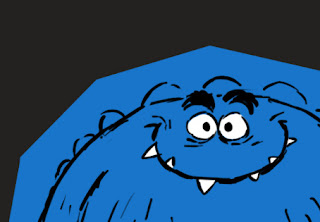 |
| here is the plain drawing. just a black rough sketch with a color above it. | |
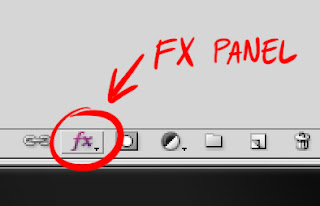 |
| selecting "drop shadow" from the fx panel... |
|
|
|
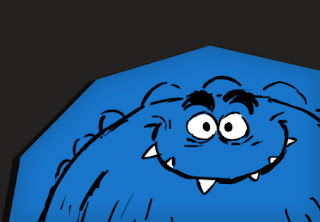 |
| ... i add a small sharp shadow to make the blue spot look like a paper cut. |
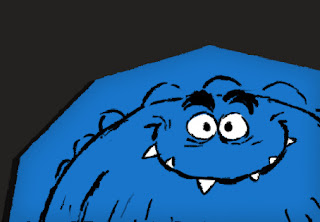 |
| with FILTER>BRUSH STROKE>SPATTER i add some randomness to linework and edges. (you have to flatten the image to make this effect work properly) |
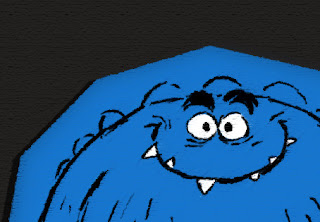 |
| with FILTER>ARTISTIC>ROUGH PASTELS i add some paper texture and pastel melting (again, the image need to be flatten to make it work as above) |
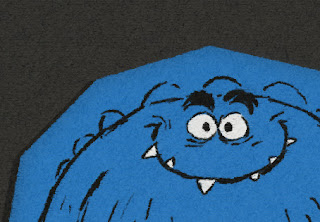 |
| finally i add one of my fav paper textures in normal mode around 20%. and here it is, done! =) |
here and
here a link to my texture paper. hope you enjoy and find useful this small tutorial!


